

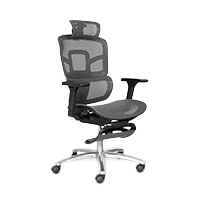
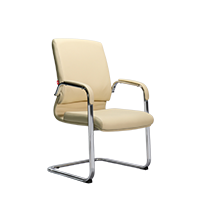
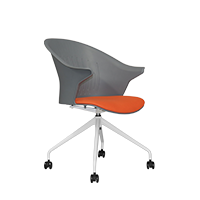
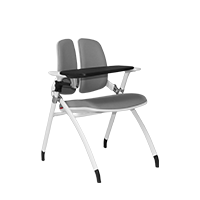


Sitting in an Ergonomic Chair and Experiencing Back Pain: Causes and Solutions
Do Ergonomic Chairs Really Help Reduce Back Pain?
Nhiều người đầu tư ghế công thái học với kỳ vọng chấm dứt hoàn toàn tình trạng đau lưng khi làm việc. Thế nhưng, không ít trường hợp vẫn ngồi ghế công thái học bị đau lưng và bắt đầu hoài nghi về hiệu quả thực sự của sản phẩm này.
Many people invest in an ergonomic chair hoping to completely eliminate back pain while working. However, numerous cases still experience back pain despite using an ergonomic chair and begin to question this product's real effectiveness.
-
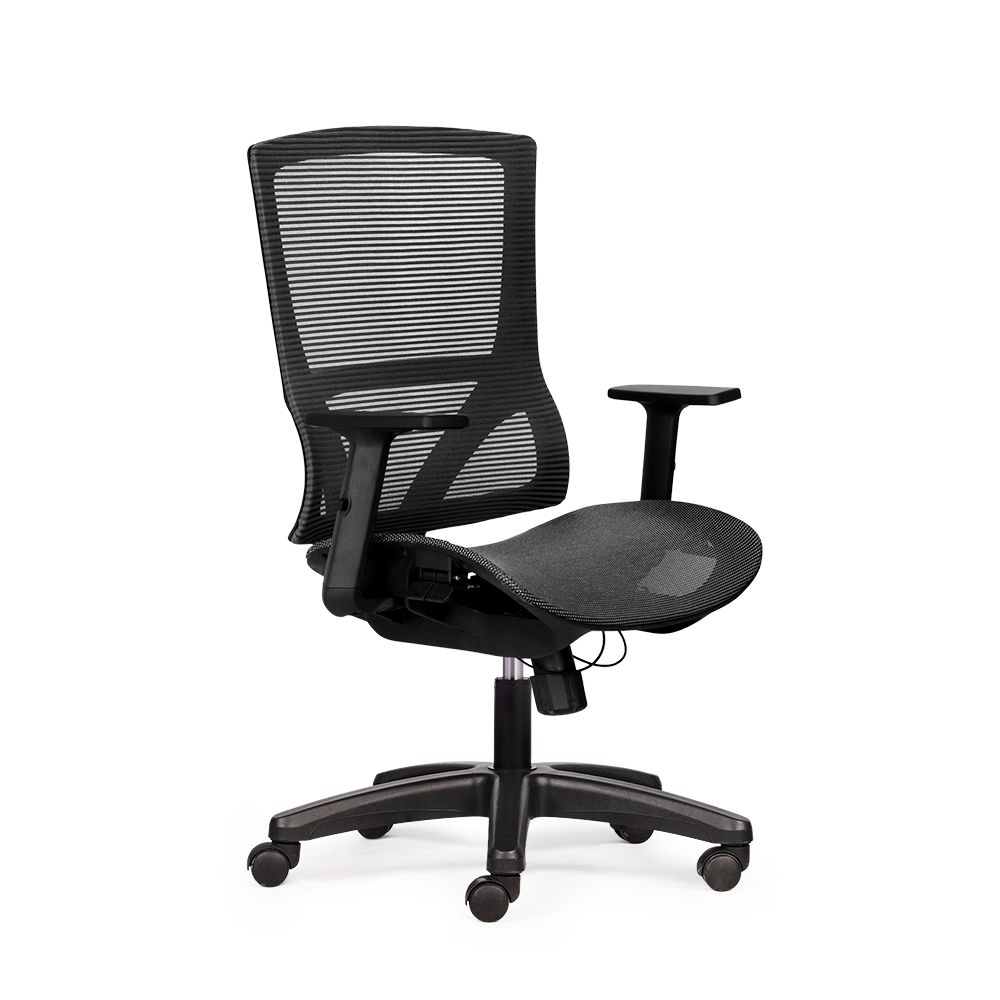
Design based on ergonomic principles: The backrest is engineered to closely follow the natural S-shaped curve of the spine.
-
Reasonable pressure distribution: Body weight is evenly spread instead of concentrating on one point in the lower back.
-
Customizable lumbar support: The lumbar cushion can be adjusted in height and depth to suit individual body shapes.
-
Flexible adjustability: Seat height, armrests, and recline angle help personalize sitting posture.
-
Reduces muscle tension during prolonged sitting: The spine is maintained in a neutral state, helping to limit back muscle stiffness.
-
Improves overall posture: Relaxed shoulders and a straight neck axis help reduce pressure radiating to the back.
-
Effectiveness depends on usage: The chair only performs optimally when adjusted correctly and combined with regular movement habits.
Reasons Why Sitting in an Ergonomic Chair Causes Back Pain
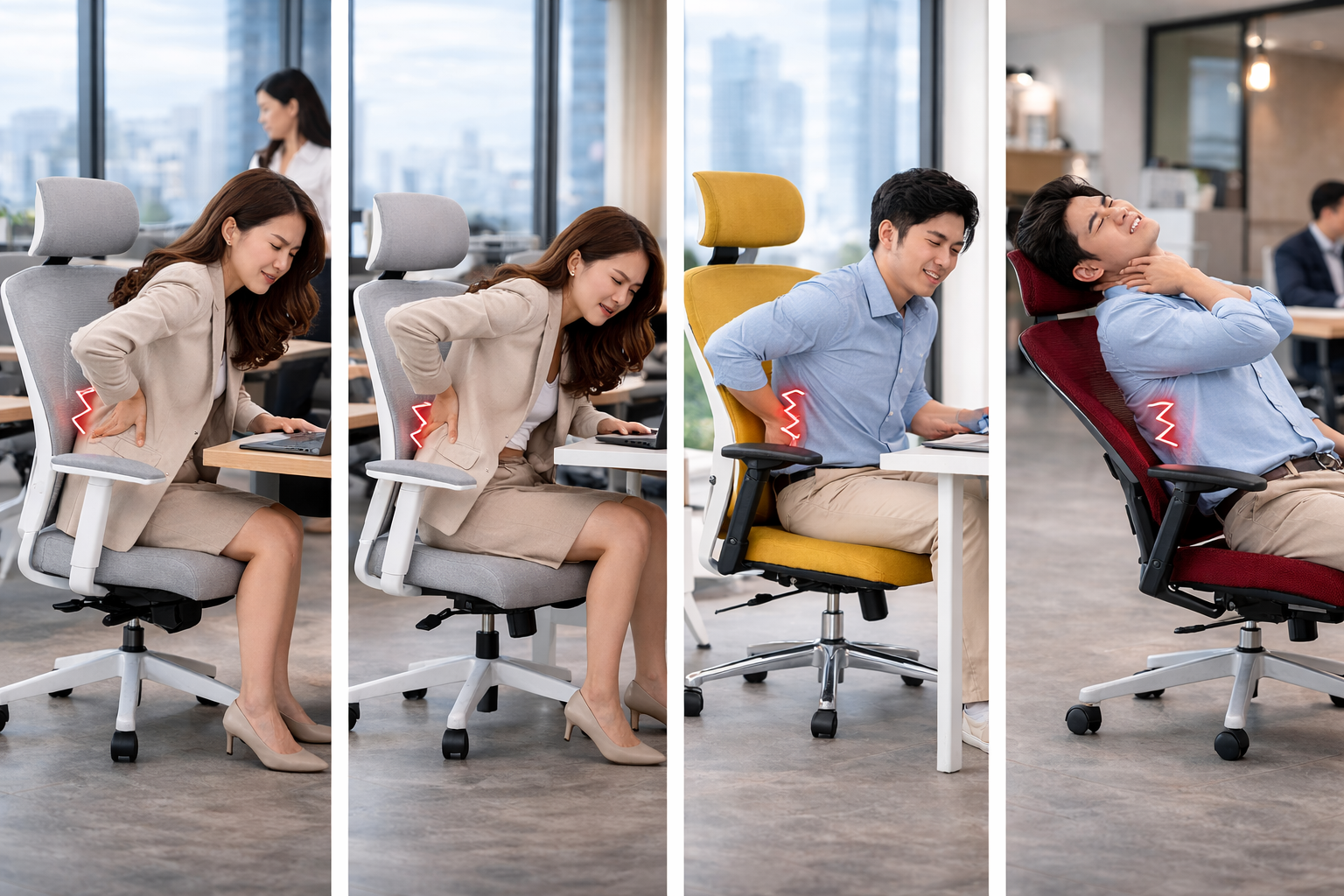
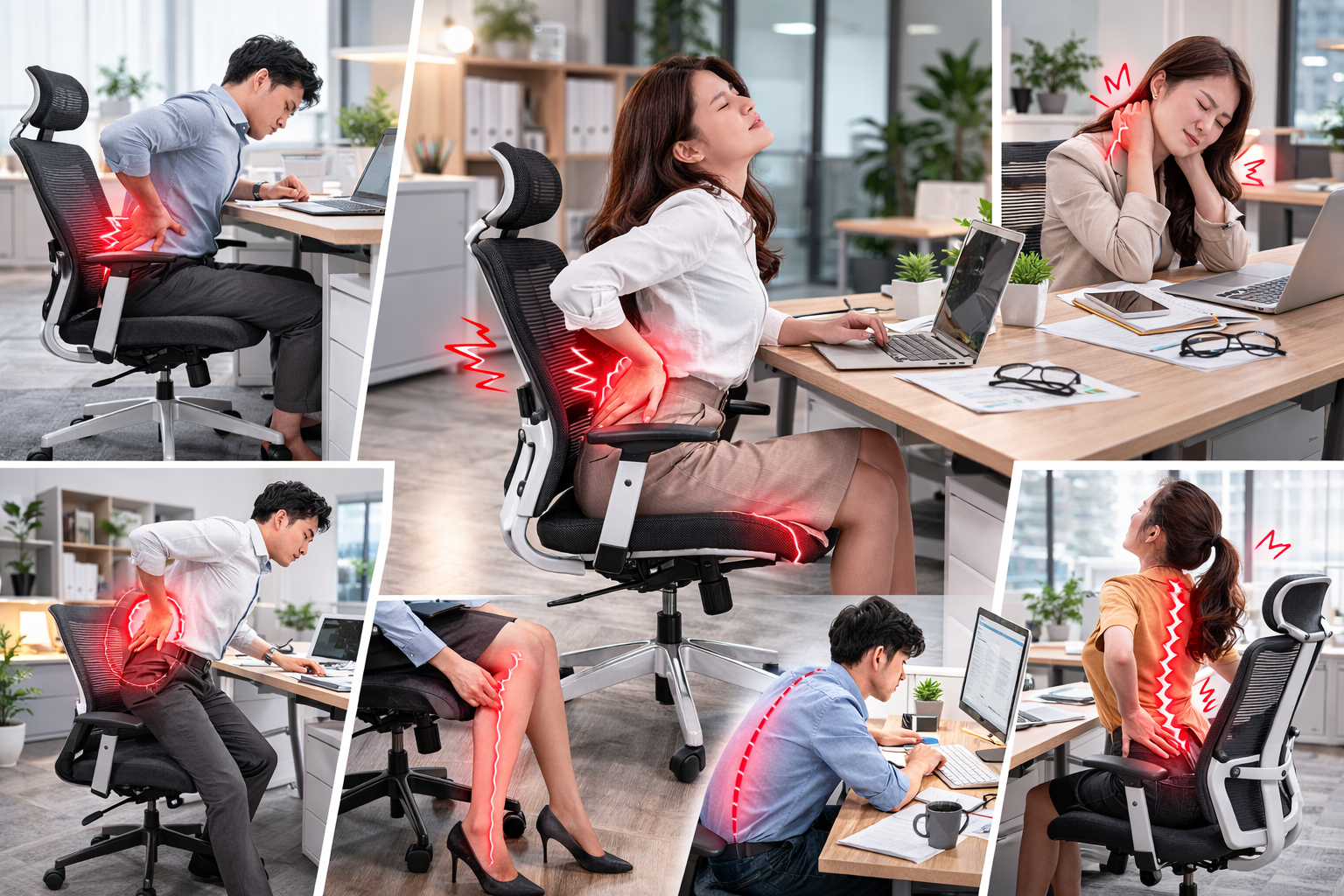
Ergonomic chairs are designed to support the spine, but in reality, many people still experience back pain after a few hours of work. This doesn't necessarily mean the chair is of poor quality, but often stems from adjustment methods, usage habits, or pre-existing health conditions.
Incorrect Chair Adjustment for Your Body
Incorrect seat height is a common reason for back pain when using an ergonomic chair. When the chair is too high, feet don't touch the floor, increasing pressure on the thighs and lower back; when too low, knees bear excessive force and the spine becomes curved.
Lumbar support placed incorrectly also means the lower back doesn't receive support at its natural inward curve. If the lumbar cushion is too high or too low, pressure is distributed unevenly off the spinal axis, causing fatigue quickly.
Inappropriate backrest angle and recline tension force the spine to brace itself to maintain balance. Reclining too far back while working or sitting too rigidly upright can both lead to back pain.
Prolonged Poor Posture
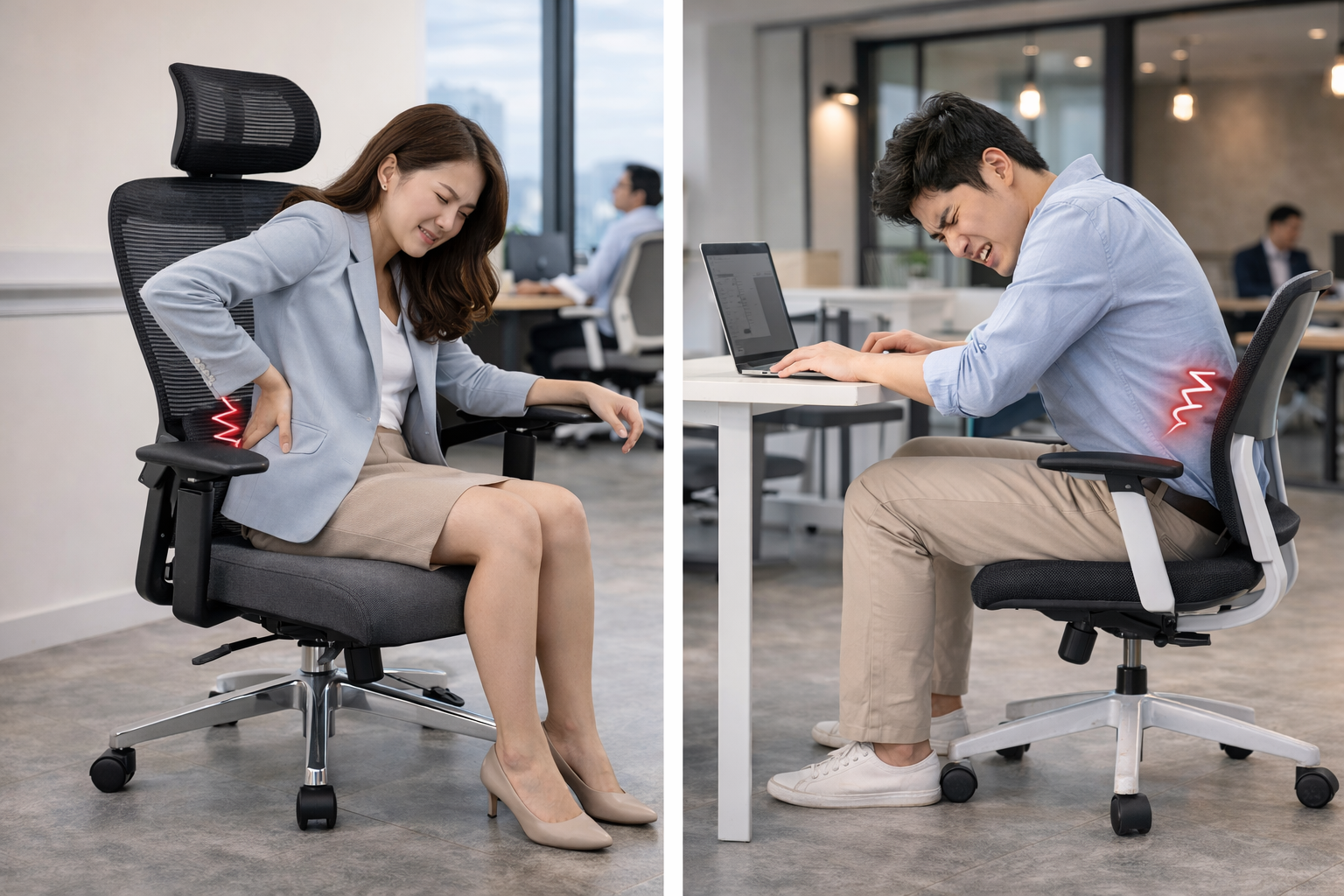
Sliding the hips forward completely eliminates the lumbar support point. Hunching over or arching the back excessively pushes the spine out of its neutral state. Sitting with shifted weight or crossing legs for extended periods can slightly twist the pelvis, leading to persistent back pain.
Chair Not Suited to User's Body Type
A chair that is too large or too small for the body means the support points don't align with physiological positions. Some chair models designed to international standards might not be perfectly suited to the Vietnamese physique. Additionally, chairs lacking flexible adjustment options limit the ability to "fit" the chair to each individual.
Sitting Continuously for Too Long
No matter how good the chair, remaining seated in a fixed position for many hours still puts pressure on the spinal discs and back muscles. Lack of movement and not changing posture are silent causes of pain and fatigue.
Pre-existing Health Issues
Individuals with a history of chronic back pain, spinal degeneration, or mild herniated discs may still feel discomfort when sitting for long periods. In such cases, the chair only provides partial support and does not replace professional medical treatment.
Signs Indicating Back Pain is Due to Incorrect Ergonomic Chair Use
Not every instance of back pain while working comes from the chair's quality; sometimes the cause lies in how you set up and use it. Early recognition of these signs helps you adjust promptly before the situation worsens.
-
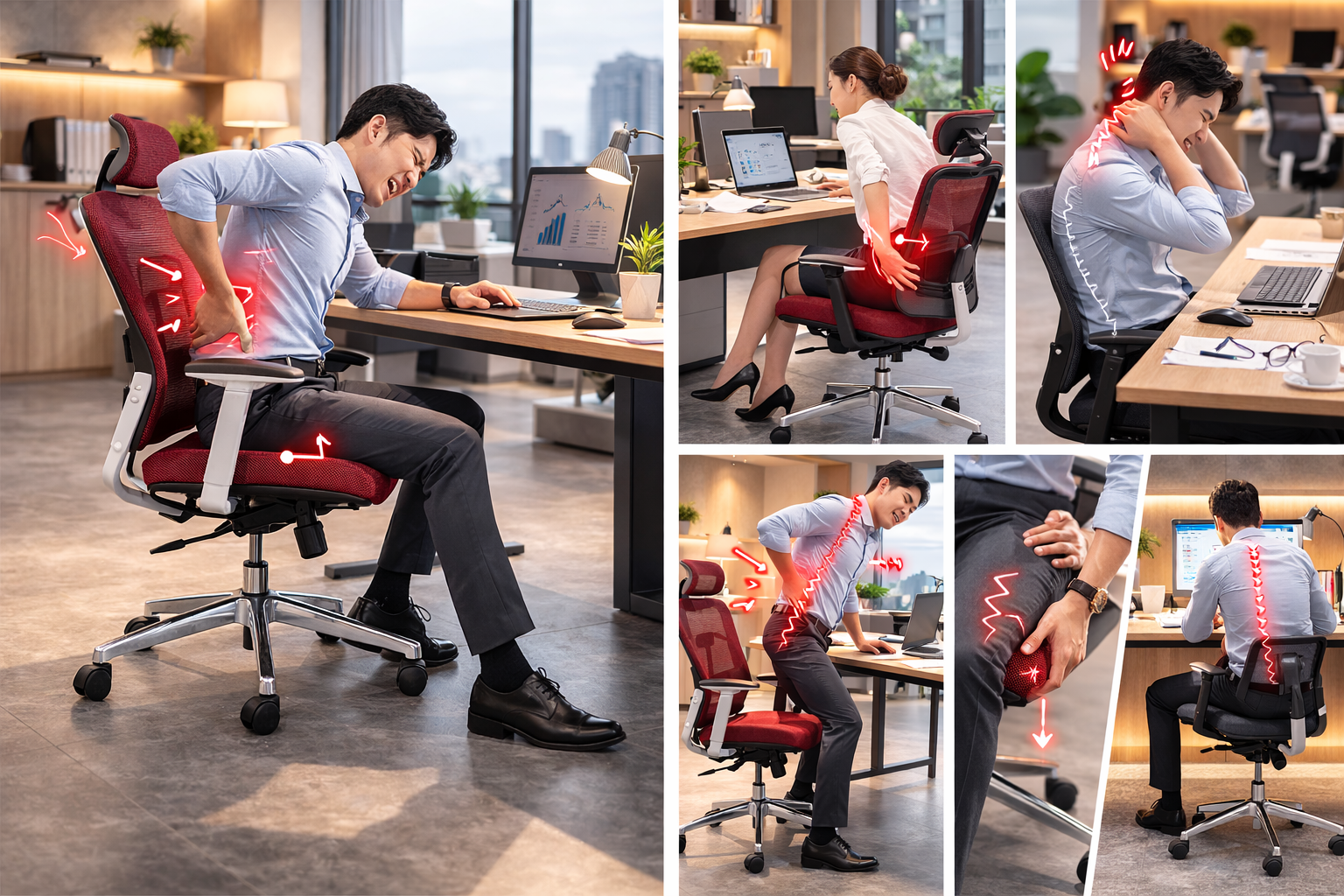
Dull ache in the lower back after a few hours of work: A mild, increasing discomfort towards the end of the day suggests the lumbar support isn't positioned correctly.
-
Fatigue spreading to hips and buttocks: Uneven pressure distribution forces the pelvic muscles to overwork.
-
Increased pain when standing up from the chair: Prolonged spinal compression leads to stiffness and difficulty straightening up.
-
Unusual tension in shoulders and neck: Incorrect armrest or seat height forces the shoulders to remain tensed.
-
Mild numbness radiating down to thighs or hamstrings: The seat edge pressing too hard impedes blood circulation.
-
Feeling the need to constantly shift positions due to discomfort: The body is "warning" that the current posture is incorrect.
-
Lower back appears clearly arched or hunched when looking in a mirror: The backrest isn't closely following the spine's natural curves.
How to Fix Back Pain When Using an Ergonomic Chair
Experiencing back pain with an ergonomic chair is not uncommon, especially when the chair hasn't been properly set up for the body. Instead of hastily concluding the chair is ineffective, you can definitely improve the situation by knowing how to adjust and change relevant habits.
Re-adjust the Ergonomic Chair Correctly
First, re-check all settings. Adjust the seat height so your feet are flat on the floor and thighs are parallel to the ground. Adjust the backrest and recline tension to a stable angle suitable for work, avoiding too much recline. Position the lumbar support correctly at the natural inward curve of your spine to reduce pressure on the discs.
Simultaneously, adjust the armrests and headrest (if available) so your shoulders are relaxed and your neck maintains a neutral alignment. Many cases of back pain stem from errors in one of these adjustment steps.
Adjust Your Working Posture
Sit back in the chair, keeping your back against the backrest to utilize the support system. Maintain the spine's natural curves without hunching or arching excessively. Place your feet flat on the floor to distribute weight evenly.
Change Prolonged Sitting Habits
Stand up and move around every 30-60 minutes, change your posture throughout the day, and incorporate standing work if possible.
Incorporate Gentle Stretching Exercises
Stretching your back and hips, rotating your neck and shoulders, and relaxing your spine after work can significantly reduce back pain associated with ergonomic chair use.
When Should You Consider Replacing Your Ergonomic Chair?
An ergonomic chair can accompany you for many years, but it may not always remain suitable for your changing body and usage needs. If you frequently experience back pain, it might be time to seriously consider a replacement.
-
The chair no longer remains stable when sitting: A wobbling frame or squeaking sounds indicate the load-bearing structure has weakened.
-
The gas lift constantly sinks: The chair height changes without adjustment, a sign the piston is worn out.
-
Lumbar support is no longer effective: The lumbar cushion has lost its elasticity, failing to support the spine correctly.
-
The seat cushion is flattened or deformed: Pressure concentrates on the hips and thighs, causing numbness and fatigue quickly.
-
The chair lacks adjustment features suitable for your body: Unable to fine-tune seat depth or armrests to your physique.
-
Your work demands have increased significantly: The old chair no longer meets the current intensity of use.
-
Repair costs are higher than the remaining useful value: Investing in a new chair is safer and more economical in the long run.
>>> Discover the solution for correct sitting posture and explore The Mia collection today.
Important Notes to Avoid Back Pain When Using an Ergonomic Chair
A good chair alone is not enough to guarantee comfort throughout a long workday. To avoid back pain, keep the following important principles in mind.
-
Adjust the chair to fit your body: Set the height so your feet are flat on the floor and knees form an angle close to 90 degrees.
-
Position lumbar support correctly: Ensure the cushion snugly supports the natural inward curve of your lower back.
-
Always keep your back against the chair: Avoid sliding your hips forward, which loses the spinal support point.
-
Don't recline too far back while working: Maintain a stable recline angle to reduce pressure on the seat pan.
-
Position your monitor at eye level: Limit looking down to prevent neck and shoulder strain.
-
Change postures regularly: Stand up and move around briefly every 45-60 minutes.
-
Avoid crossing your legs for extended periods: Keep your weight balanced to prevent pelvic misalignment.
-
Incorporate end-of-day stretching: Perform relaxation exercises for your back and hips to help muscles recover.
Conclusion
Through this article, The Mia has helped clarify why sitting in an ergonomic chair might cause back pain and how to adjust correctly for quick improvement. Don't let persistent aches affect your long-term productivity and health. Contact The Mia today for detailed advice and prompt support.
Other news

- Business Registration Number: 0305955903, date of Issue: September 3, 2008
- Issued by: Department of Planning and Investment of Ho Chi Minh City
- Legal Representative: Nguyễn Thành Long

